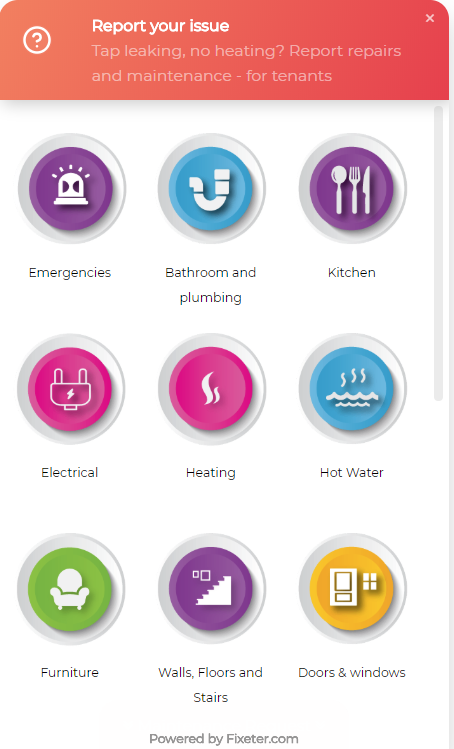
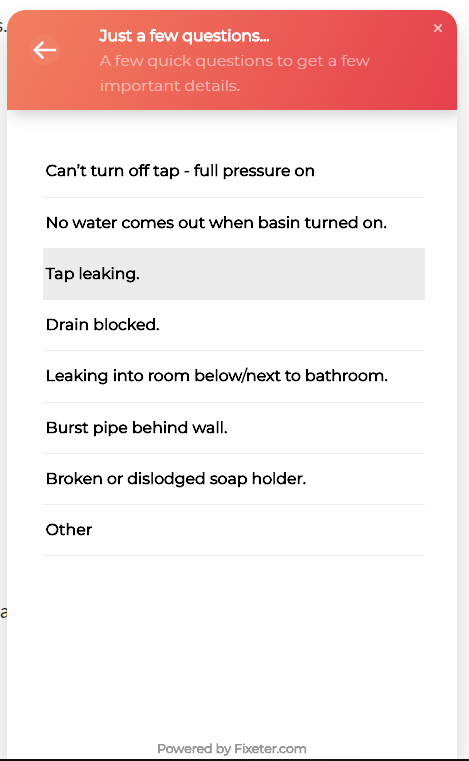
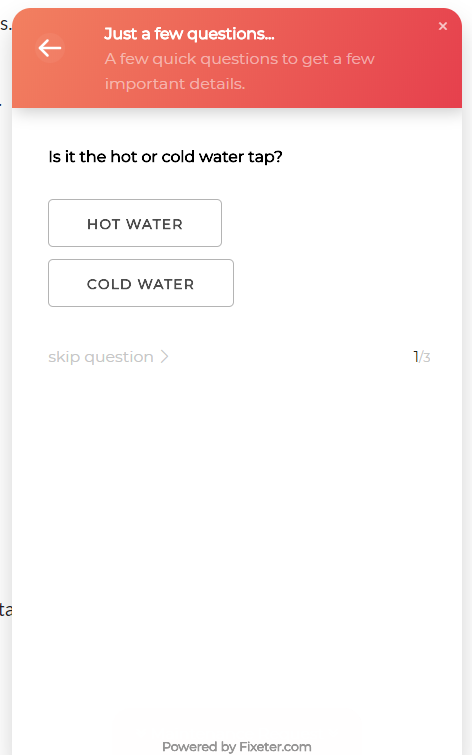
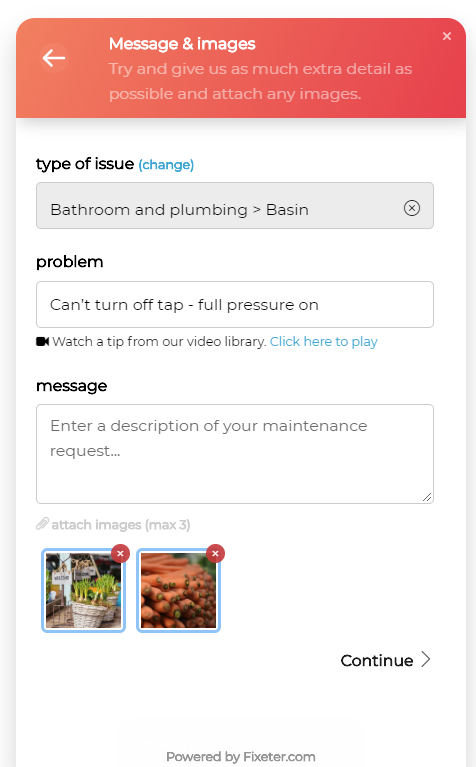
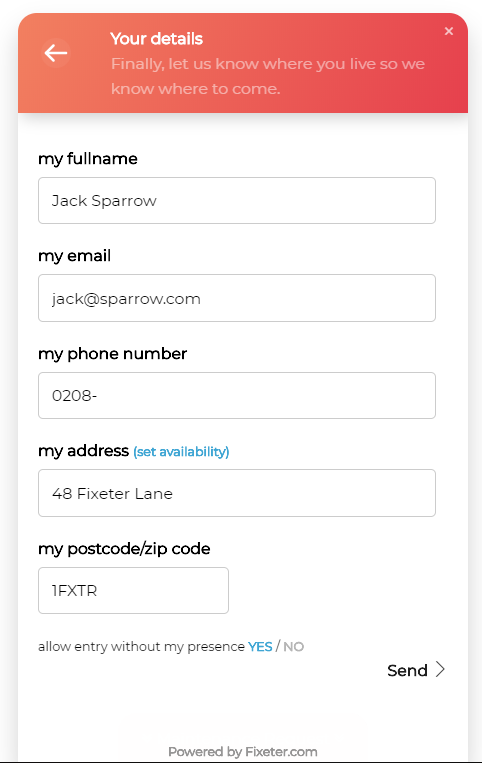
Fixeter helps your tenants solve problems on their own, makes it easy to submit detailed reports & helps you organize maintainance requests quickly and easily.
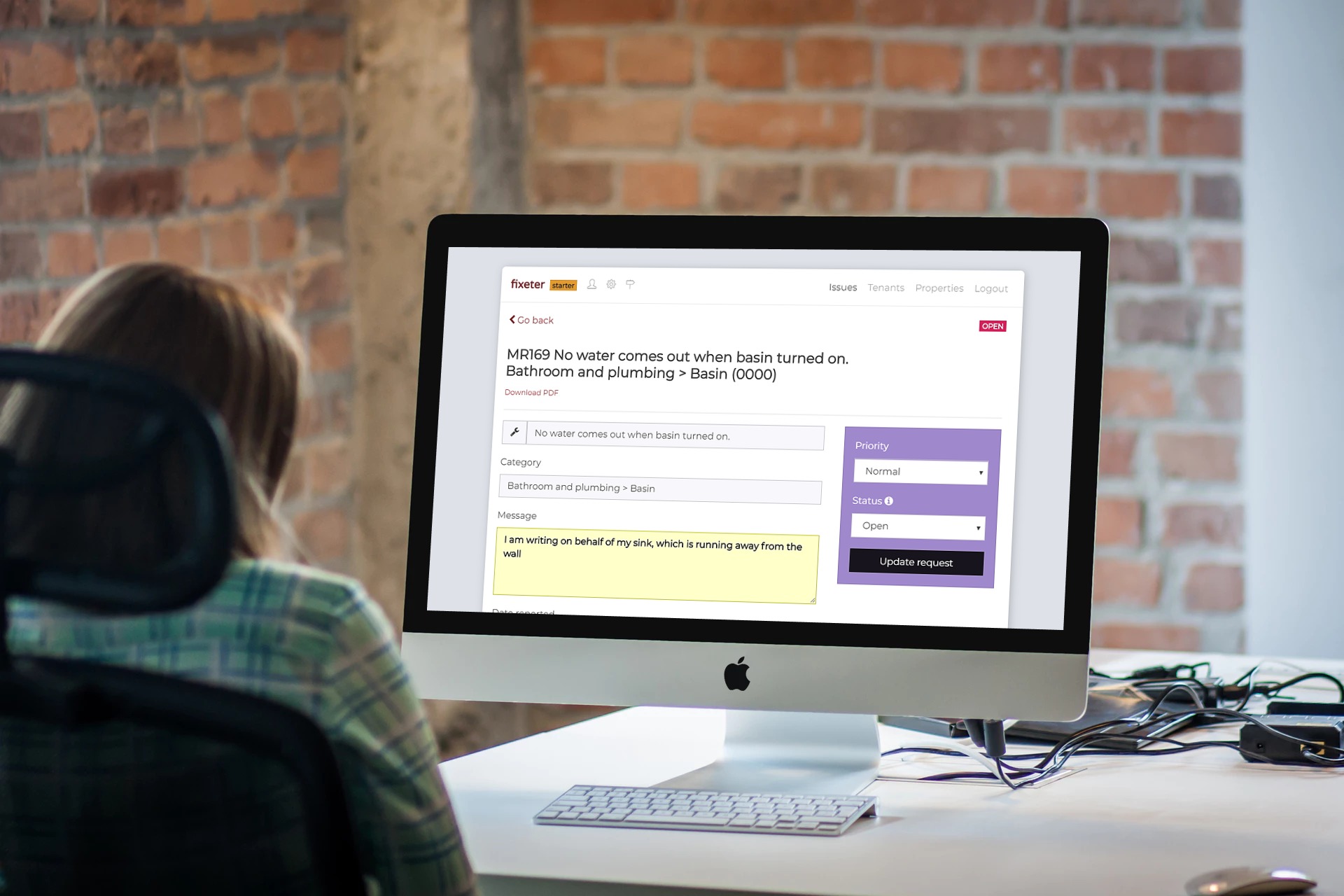
Busy property managers are usually sent tons of maintenance requests from tenants by email. These are often hard to track and lack essential details. Fixeter's widget helps your tenants fix problems they're responsible for and helps you get detailed reports with images. The dashboard makes it super easy for you to keep track of all requests in one place.
You don't even have to register. Here's how:
Add the following to the end of your page before the ending body tag. Replace
your@email.com with your own email.
<script src="https://embed.fixeter.com/app.js"></script>
<fixeter-app align="right" email="your@email.com"></fixeter-app>
Go to your website and click on the "maintenance report" button on the bottom right. You should see the widget. Create a test report. Make sure you receive the email with a pdf attachment.
From now on, when someone submits a maintenance request, we'll forward you the data by email and store a copy in your dashboard.
We are a group of business, creative and technology professionals with a passion for innovation and a good challenge.
We want to help tenants to report maintenance issues to their landlords and or estates agents, in a fast and easy manner.
Fixeter is free to manage 10 tenants per month. If you need more or want to customize your helpdesk you can upgrade to the premium plan from the dashboard.
We're always happy to hear suggestions and features. Just reach out. Premium users can also request extra features e.g. whitelabel reports.
Any other questions? Contact us at contact@fixeter.com.
You can place the widget in different positions, have it auto-open and show an overlay.
You can change the align property to left, right and center
<script src="https://embed.fixeter.com/app.js"></script>
<fixeter-app align="left" email="your@email.com"></fixeter-app>
You can change the start-open property to true or false to have the widget open by default
<script src="https://embed.fixeter.com/app.js"></script>
<fixeter-app align="left" email="your@email.com" start-open="false" ></fixeter-app>
You can change the overlay property to true or false to have a darkened background and focus on the widget.
<script src="https://embed.fixeter.com/app.js"></script>
<fixeter-app align="center" email="your@email.com" start-open="false" overlay="true"></fixeter-app>
Once included on the page. You can open the widget by calling.
fixeter.open()
And close the widget by calling
fixeter.close()
A custom button cloud look like:
<button onclick="fixeter.open()">Click Me!</button>